YouTube Channel Generator
Plan a new YouTube channel with free generators for names, About descriptions, and video titles—then refine packaging with related YouVW tools.
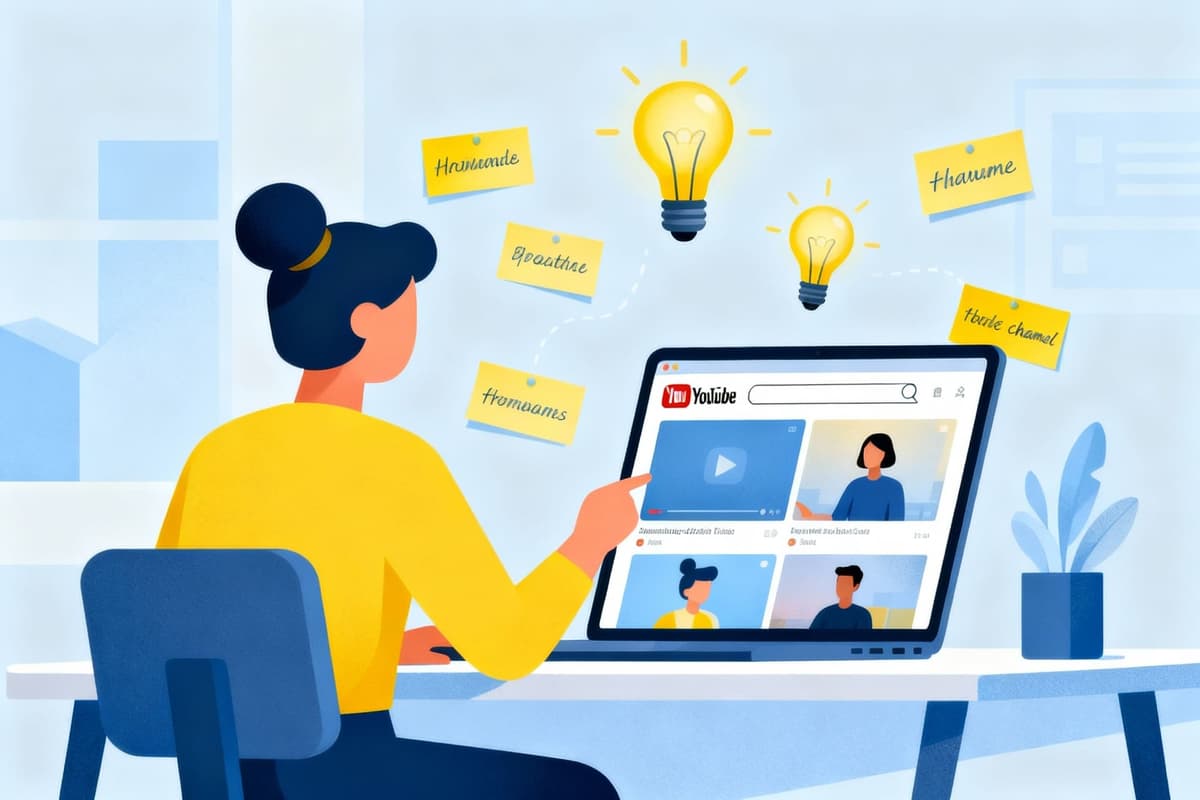
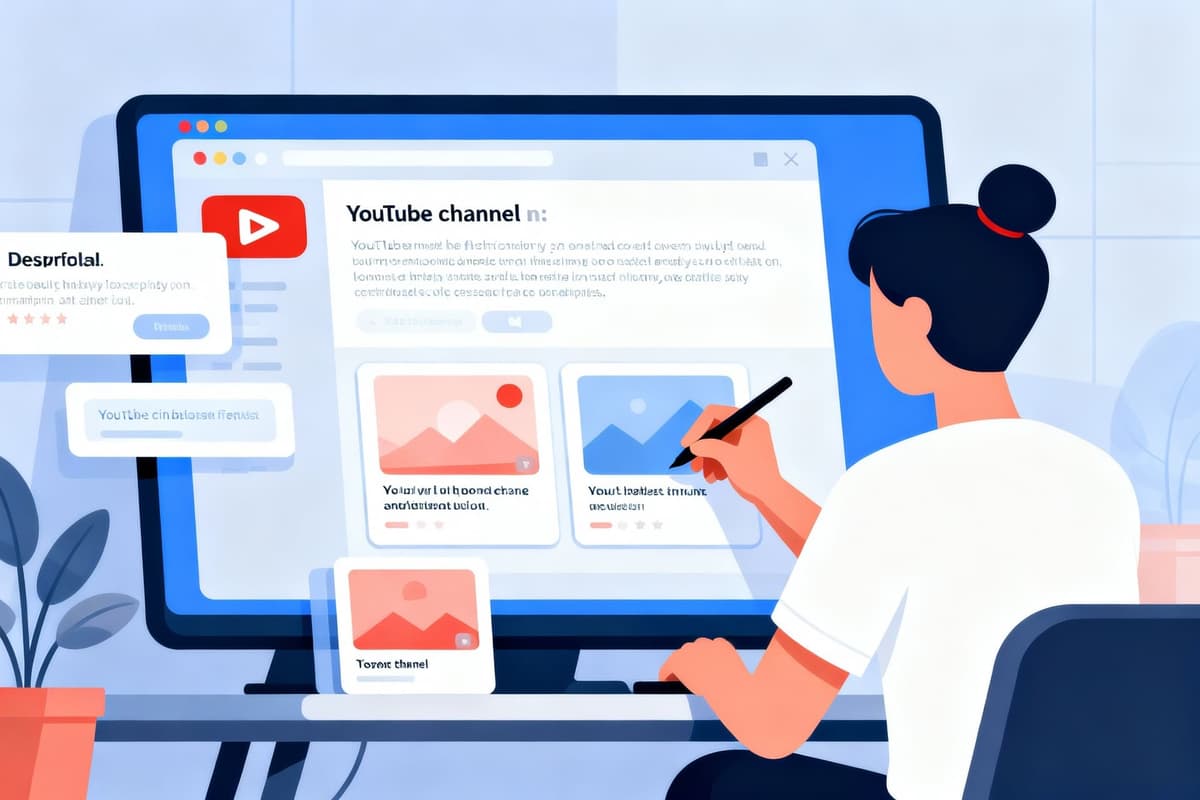
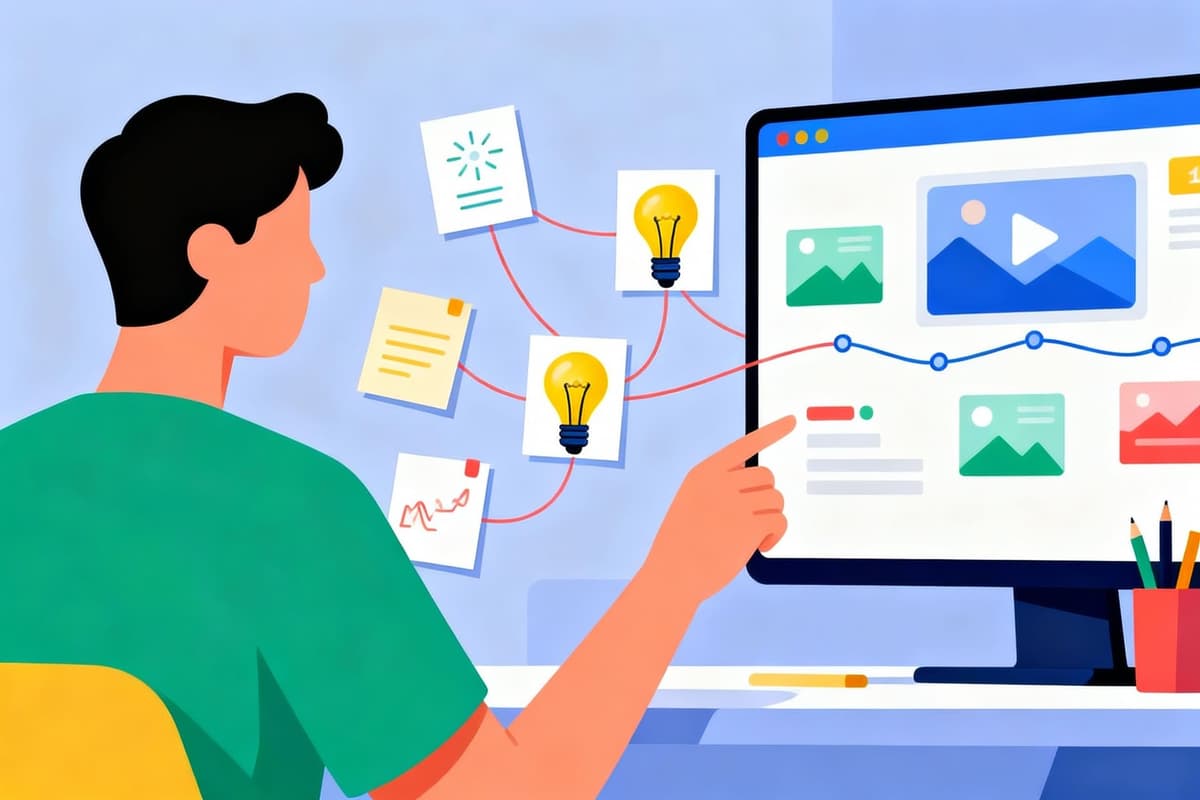
A launch suite for name, About copy, and titles
This page is the map to three focused AI helpers: channel name ideas, channel description drafts, and video title drafts. Use them as a sequence when you are launching or repositioning, not as three unrelated toys. Consistent language across name, About, and first titles makes a new channel feel intentional on day one.
Start from positioning—who you help and what transformation you teach—then generate names that fit that story. Only after a shortlist exists should you draft the About section and the first batch of upload titles. Jumping straight to titles without a name and promise usually produces scattershot packaging.
Each child tool below keeps its own deep guidance. Use this hub to choose where to click next and to understand how the pieces lock together for a coherent brand.
- YouTube Name GeneratorBrainstorm memorable channel name ideas from your niche.
- YouTube Channel Description GeneratorDraft a clear About section viewers can scan quickly.
- YouTube Title GeneratorGenerate title angles for your first uploads.
- YouTube Tag GeneratorBuild keyword drafts after titles are locked.
Recommended launch sequence
- 1
Lock positioning in one sentence
Write audience + topic + promise before opening any generator. That sentence becomes input fuel for all three tools.
- 2
Shortlist channel names
Generate options, check collisions and handles, then pick a primary and a backup.
- 3
Draft the About description
Lead with the truncated hook, then proof, links, and CTA. Align tone with the chosen name.
- 4
Batch first titles
Outline three to five starter videos and generate title variants that share niche language with the About section.
When to open name vs description vs title tools
Use the name generator during founding or rebrand windows. Use the description generator when About copy is empty, outdated, or failing the first-150-character test. Use the title generator every upload cycle—or whenever a thumbnail concept needs matching words.
If you only need tags, thumbnails, or metrics, leave this suite and open those specialized YouVW tools instead. Mixing jobs on one page creates shallow advice; these generators stay focused on language branding.
Limitations of the channel generator hub
This hub does not publish to YouTube, claim handles, or score SEO automatically. It routes you to drafting tools whose outputs still need human editing, collision checks, and policy review.
It is the wrong starting point if you already have a settled brand and only need analytics or downloads—go straight to data, tag, or media tools instead.
Channel generator suite FAQ
In what order should I use the three generators?
Name → description → titles for launches. For an existing brand doing a packaging refresh, description and titles can come first while the name stays put.
Can I generate a full channel kit in one click?
Not on this hub. Separating tools keeps advice specific. Run each generator with the same positioning sentence for consistency.
Do I need an account to use these AI generators?
YouVW’s generators are built for quick browser use without a YouTube login. You will still need YouTube Studio to paste final copy into your channel.
What if my niche is already crowded?
Lean on differentiation in the positioning sentence—method, audience, or format—before generating. Generic inputs yield generic names and titles.
Should logos and banners wait until after naming?
Yes when possible. Visual identity is easier once the verbal brand exists. Use banner and logo tools after the name shortlist is real.
How is this different from ChatGPT in a blank tab?
These pages add YouTube-specific structure, related tooling, and on-page guidance for packaging. You still review every line before it goes live.